Make Gmail Beautiful with a Chrome Extension
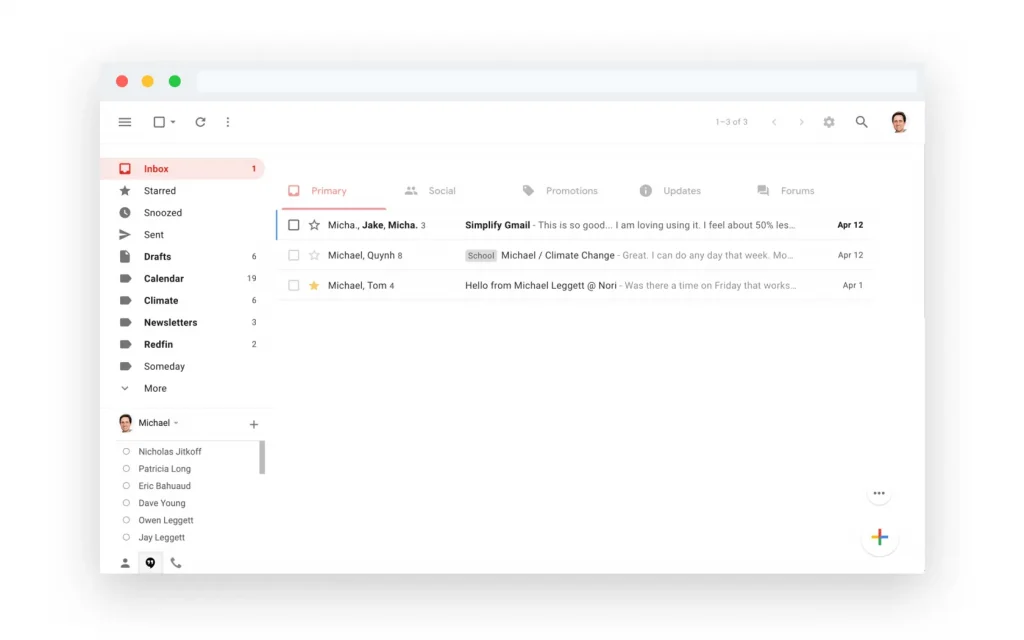
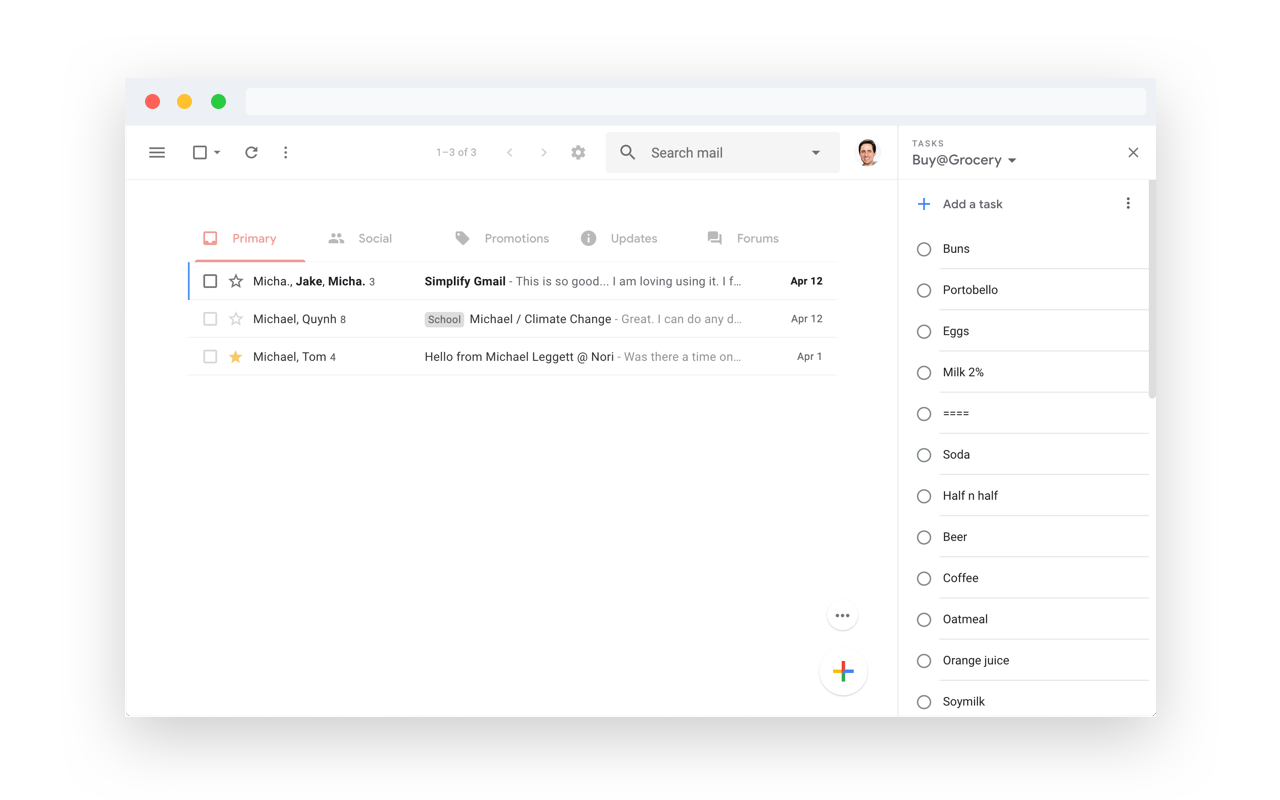
If you’re a Gmail user who’s frustrated with the cluttered interface, I have a simple and free tool for you. It’s a free Chrome extension, aptly named Simplify. The extension removes all the visual clutter within Gmail, including the sidebar and excess sidebars. It makes the Gmail experience you crave and wish Google would have made in the first place.
Simplify was made by Michael Leggett who was the lead designer for Gmail from 2008 to 2012. It is safe to say he knows what he is doing. The extension is safe using CSS and a little Javascript. It never sends data back or shares information with anyone.
I’m glad you asked. You should always be super careful what extensions or apps you use with your email. Simplify is mostly some CSS plus a little Javascript to apply the CSS. There are no trackers. No data is sent or shared. No ads ever. Promise. And all the code can be inspected on Github.
Need a Google Drive version of this extension
You can download the extension from the Chrome store for free. I am hoping the next extension Micheal makes is one to declutter Google Drive. I want Drive more focused on the files and less about everything else going on with the interface. I am thinking Dropbox but slightly more minimal.