
Responsive Search Ads Switch on Google Ads & Template for Writing Them
Google is sunsetting Expanded Text Ads on Google Search this summer. If you don’t run or manage Search Ads on Google, you won’t notice a difference when you Search.
Now, if you manage Google Ads – you will notice a difference.
Writing Ads hasn’t changed much since Google Ads (back then Google AdWords) launched in the fall of 2000. More headlines and descriptions were added in late 2016, but not required until recently. Still, the Ad writing was static. There were 3 headlines with 30 characters or less. Then there were 2 descriptions with 90 characters or less.
Now the Ads will have up to 15 headlines and 4 descriptions. The headlines are still 30 characters max and 90 characters max for description. The Ads will use some machine learning to show someone searching for the best combination of 2 to three headlines and 1 to 2 descriptions.
The expanded text ads cannot be created or edited after July 2022, and only Responsive will be around. Google doesn’t have any best practices yet, but before, Google recommended 3 expanded text ads and 1 Responsive Search Ad. I suspect they’ll start to recommend at least 2 Responsive Search Ads per ad group.
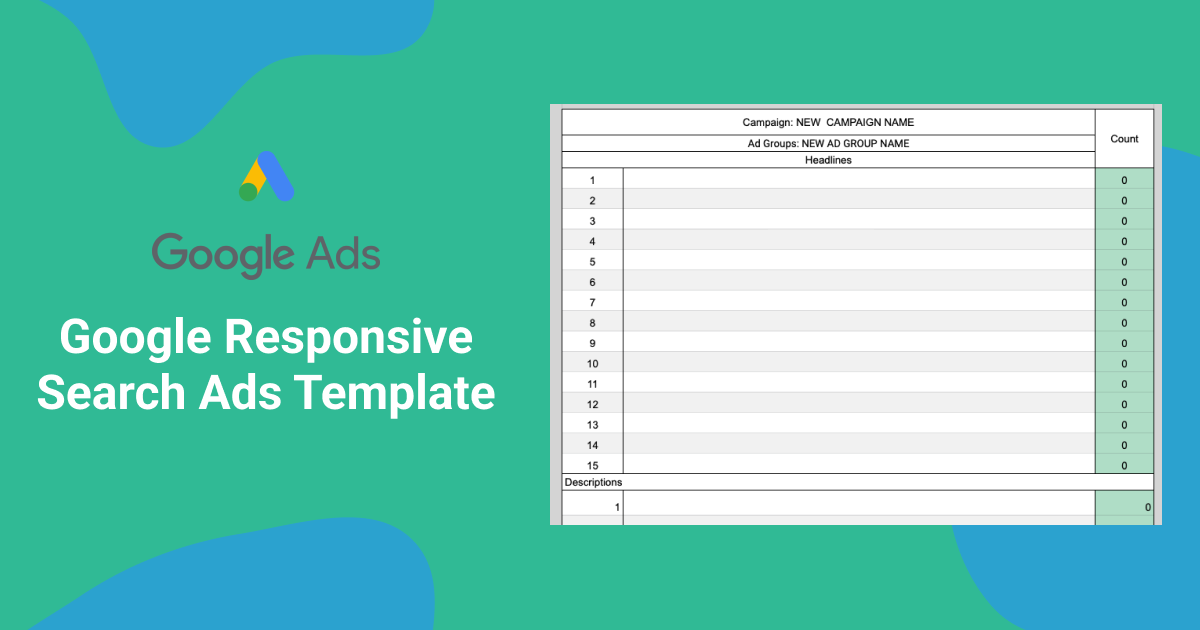
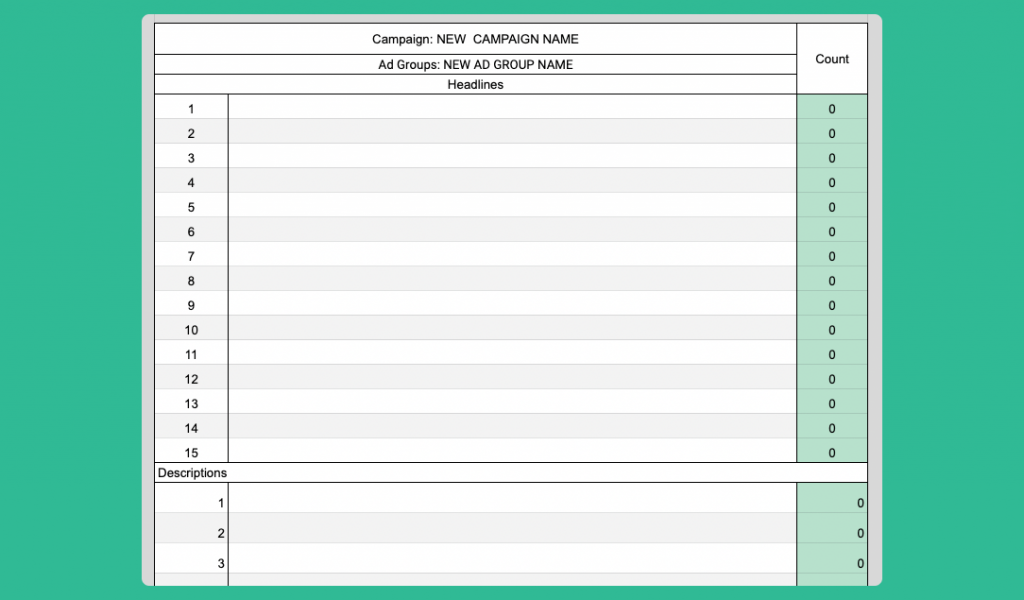
I have put together a Google Responsive Search Ads Template for you to write ads on a sheet and then present to clients. It has the space for 15 headlines, 4 descriptions, and the final URL.
I am using the templates within agencies, with clients, and writing my own business ads. It makes it easily to follow and allows me to organize my thoughts to write so many headlines at once.
If you have any issues or recommendations on the template, tweet me @leonhitchens.

![[No Code] How to Build a Course with WordPress](https://leonhitchens.com/wp-content/smush-webp/2020/09/photo-1524178232363-1fb2b075b655-768x512.jpg.webp)


